
Laravel 11 stopped getting security fixes on March 12, 2026. If your app still runs on it, you now have to patch new vulnerabilities yourself.
Most “why Laravel” posts skip this. They list clean syntax, Blade, Eloquent, and a big community. All true, but Symfony can say most of the same things. So those points don’t help you choose.
Here is my view. At Larastaff, we build and maintain Laravel apps for clients, so I’m not neutral. I’ll show my reasoning anyway.
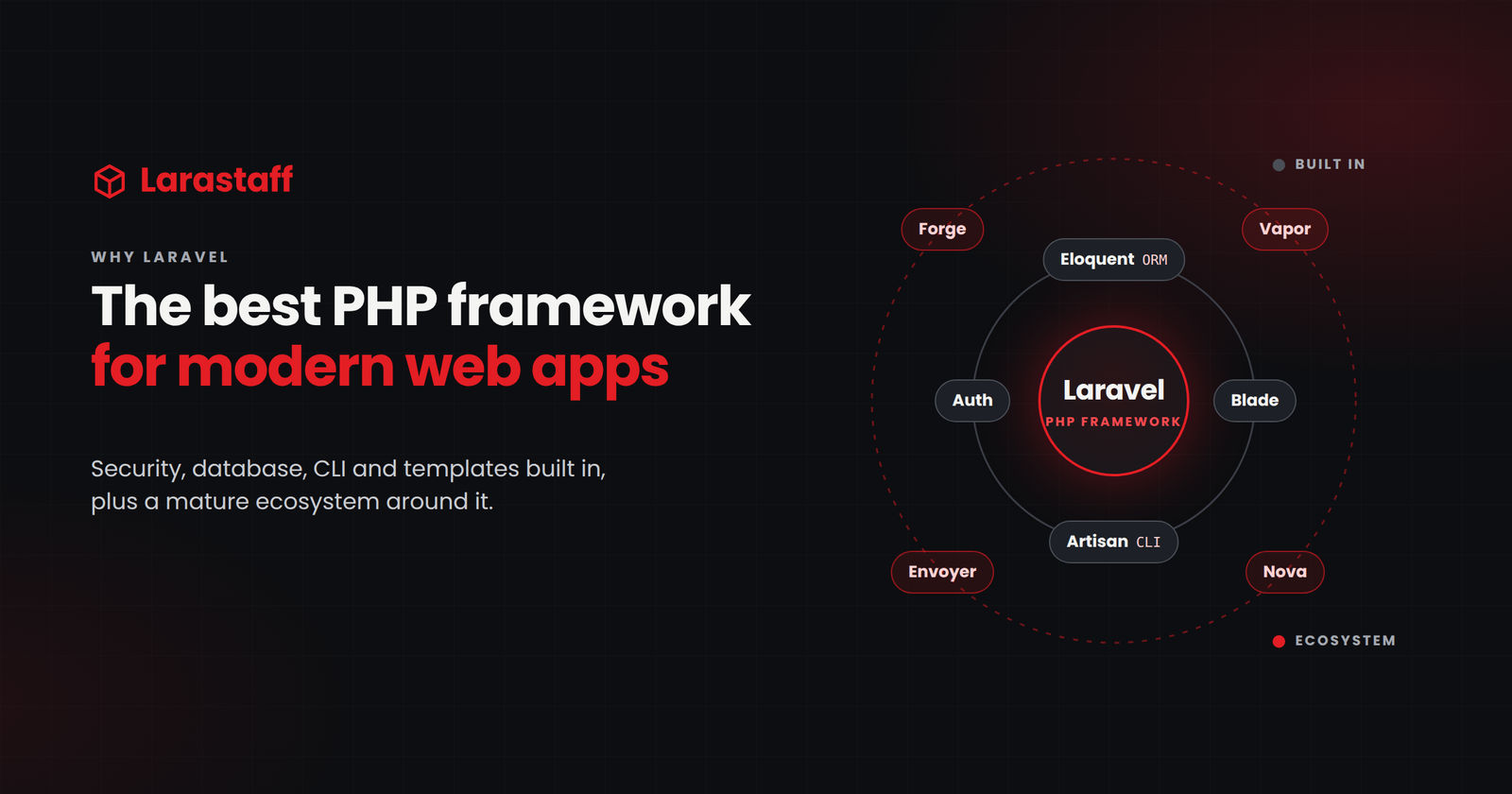
For a business web app (SaaS, e-commerce, a marketplace, or internal tools), Laravel is the right default in 2026. You should need a clear reason to pick something else. Below, I explain why, what Laravel costs you, and when I’d choose differently.
What Laravel Saves You After Launch
People often say Laravel lets you focus on business logic instead of auth, routing, and sessions. That’s true, but it’s only part of the story. Every framework has routing. Laravel also gives you the layer above it, built by the same team and released on the same schedule.
That layer includes:
- Queues with retries, plus Horizon to monitor them if you use Redis.
- Scheduled tasks that live in your code, not in a crontab someone forgot to copy.
- Auth from the starter kits, and API tokens from Sanctum.
- Cashier for Stripe or Paddle subscriptions.
- Reverb, if you need WebSockets.
Queues and the “run twice” problem
Queues matter most when your app calls services you don’t control. Payment gateways time out. Email providers slow you down. Webhooks sometimes arrive twice.
Laravel handles the basics: queued jobs, retry limits and backoff, and a table for failed jobs. Laravel 13 also adds attributes like #[Tries] and #[Backoff].
But Laravel can’t make a job safe to run twice. That’s your job. Say a job charges a card, and the provider times out after taking the money. A retry can charge the card again.
The fix is idempotency: making sure a repeated job has no extra effect. Send an idempotency key to providers that support one. Or save a “done” record in your database before the job can repeat. For any job that touches money or customers, ask this in code review: “Is it safe if this runs twice?”
Why this matters in year two
You won’t notice most of this in week one. You notice it in year two. Imagine your queue library, auth package, and framework came from three different teams. Every framework upgrade would wait for the slowest one.
The new AI SDK
Laravel 13 brings the same idea to AI. The new Laravel AI SDK gives you one API for text generation, AI agents with tools, embeddings, audio, images, and vector stores. It works with several AI providers. The query builder can also run vector similarity searches on PostgreSQL with pgvector (release notes).
For a business app, this means you can add semantic search or an internal assistant without a separate tech stack.
It’s also the newest part of Laravel, so be careful with it. AI calls are slow external requests. They time out and fail like payment calls do. Run them in queued jobs, and follow the “run twice” rule above.
One more thing: “works with several providers” means the code stays the same when you switch. The answers can still change. Keep tests around the AI output your features depend on.
The Best Case for Symfony, and Why I Still Don’t Pick It
Symfony has a strong case, so let me make it fairly.
Its components are loosely coupled, and its setup is explicit. You can see exactly what gets injected where. Its long-term support (LTS) releases get three years of bug fixes and four years of security fixes. For example, Symfony 7.4 LTS gets bug fixes until November 2028 and security fixes until November 2029 (Symfony blog).
Many people also miss this: Laravel is built on Symfony components, such as HttpFoundation and Console. So when you pick Laravel, you still get a lot of Symfony’s engineering underneath.
So why do I still pick Laravel? Most business apps don’t fail because their architecture isn’t pure enough. They fail because a small team ships slowly, then falls behind on upgrades.
Laravel helps with both. Its defaults get a small team to production faster. Its yearly releases make you feel upgrade pain early, while it’s still cheap to fix.
Laravel has a real cost, though. Facades and “magic” methods can make bugs harder to trace.
A new developer can write working code without knowing what the framework does behind the scenes. On a small team, I accept that. On a large team with many services, I’d think harder about it.
| Laravel | Symfony | |
| Major releases | Every year, around Q1 | Every two years |
| Support per release | 18 months bug fixes, 2 years security fixes | Standard: 8 months. LTS: 3 years bug fixes, 4 years security fixes |
| Long-term support option | None; plan a yearly upgrade | An LTS release every two years |
| Setup style | Conventions, facades, defaults you can change | Explicit configuration and dependency injection |
| Built-in app tools | Queue dashboard, billing, WebSockets, hosting and deployment | Components and bundles you put together |
| Where I’d use it | Business apps built by small or mid-sized teams | Existing Symfony codebases; large platforms with many teams |
Sources: Laravel support policy, Symfony release and support policy.
A Release Schedule You Can Plan For
Laravel releases one major version each year. Each version gets 18 months of bug fixes and two years of security fixes. That’s shorter than a Symfony LTS.
I see that as a good thing. Upgrades become a small yearly task, not a big crisis every four years.
| Version | PHP | Released | Bug fixes until | Security fixes until | Source |
| 11 | 8.2 to 8.4 | March 12, 2024 | September 3, 2025 | March 12, 2026 (ended) | Laravel 11 release notes |
| 12 | 8.2 to 8.5 | February 24, 2025 | August 13, 2026 (ended) | February 24, 2027 | Laravel 12 release notes |
| 13 | 8.3 to 8.5 | March 17, 2026 | Q3 2027 | March 17, 2028 | Laravel 13 release notes |
The Laravel team aims to make each upgrade quick:
“…update to a new major release in one day or less.” Laravel, Release Notes (13.x)
In my experience, that’s true if you’re one version behind. It’s not true if you’re three versions behind and some of your packages are abandoned. Then the upgrade becomes a full project.
Check where you stand:
php artisan --version
php -v
composer outdated --direct
Don’t upgrade on release day. Wait for the first few patch releases, and for your main packages to support the new version. Then upgrade within the quarter.
Already past end of life? Our Laravel upgrade service starts with the checks above.
Security Defaults Work Until Someone Turns Them Off
Laravel protects you from the most common web attacks by default. But each protection covers a specific case, and each one can be bypassed. Here’s what the defaults actually cover:
- CSRF: token checks run on routes in the web middleware group. API routes that use tokens don’t get them. In Laravel 13, this middleware is now called PreventRequestForgery and also checks where the request comes from (docs).
- XSS: Blade escapes output inside {{ }}. It does not escape {!! !!}.
- SQL injection: the query builder and Eloquent protect values you pass as parameters. Values you paste into a raw SQL string are not protected. Column names can’t be protected this way at all.
Blade shows where the risk comes from. It lets you write plain PHP, and that freedom makes it easy to print unescaped output. Most Laravel security holes happen when someone steps outside these defaults.
// Unsafe: user input goes straight into the SQL string
$users = DB::select("SELECT * FROM users WHERE email = '{$request->email}'");

// Safe: the value is passed as a bound parameter
$users = DB::select('SELECT * FROM users WHERE email = ?', [$request->email]);

// Column names can't be bound, so only allow known ones
$sort = in_array($request->input('sort'), ['name', 'created_at'], true)
    ? $request->input('sort')
    : 'created_at';
The CSRF mistake often starts with a 419 | Page Expired error on a form. Someone “fixes” it by turning off the check for a whole group of routes. Only exclude the one webhook path that needs it.
Even that webhook path needs its own check. On one of our e-commerce projects, scanners kept hitting our Stripe webhook endpoint and filling the logs with errors. We added a middleware that rejects any request without a Stripe-Signature header. The handler still verifies the signature itself.
That check costs almost nothing. It also keeps junk out of your error tracker, so real failures don’t get buried.
You can find risky code in a minute:
grep -rnE "whereRaw|selectRaw|orderByRaw|DB::raw" app/
grep -rn "{!!" resources/views/
Not every result is a bug, but each one needs a review. We run this first in every Laravel code audit.
What Laravel Costs You
A post that only lists benefits is a sales page. So here are the costs.
Eloquent makes slow queries easy
Eloquent is the biggest one. Writing queries is easy, and so is making them slow. By default, related data loads only when you first use it, one query at a time.
So a page with 20 orders runs 21 queries in staging, and nobody notices. In production, a page with 400 orders runs 401 queries. Your database graph shows the problem before any error does.
Strict mode catches this. Here’s my setup:
// app/Providers/AppServiceProvider.php
use Illuminate\Database\Eloquent\Model;
public function boot(): void
{
    // Local, CI and staging: throw errors on lazy loading,
    // silently dropped attributes, and missing attributes.
    Model::shouldBeStrict(! $this->app->isProduction());

    // Production: still catch lazy loading, but log it instead of throwing.
    if ($this->app->isProduction()) {
        Model::preventLazyLoading();

        Model::handleLazyLoadingViolationUsing(function (Model $model, string $relation) {
            logger()->warning('Lazy loading violation', [
                'model' => $model::class,
                'relation' => $relation,
            ]);
        });
    }
}
Outside production, a missed eager load throws this error:
Attempted to lazy load [customer] on model [App\Models\Order] but lazy loading is disabled.
Production behaves differently on purpose. Before merging, I want the mistake to fail loudly so it gets fixed. In production, a lazy load costs a few extra queries, but an exception at checkout costs an order. So production logs the problem and keeps working.
One detail matters here: the logging handler only runs if lazy loading prevention is on. That’s why the production block turns it on.
Shortcuts can hide failures
We learned this during a data migration from a legacy .NET and SQL Server system to Laravel and MySQL. Records were missing in production, and there was no error anywhere.
The inserts used insertOrIgnore().
The query builder docs explain what it does. It ignores duplicate-record errors. Depending on the database, it may ignore other errors too. On MySQL, it also skips strict mode.
The missing rows were most likely failing foreign key checks. The method stayed quiet, just as the docs say it will.
For a data migration, I’d use plain insert() in batches, so any failure stops the run. Then compare row counts between the old and new databases before you call it done.
Smaller costs
- Octane keeps your app loaded between requests. If a singleton stores the request in its constructor, one user’s data can leak into the next request.
- On Vapor, you can only write files to /tmp. Any code that saves local files must change before you move.
- Package quality varies a lot. A popular package won’t always support the next Laravel version.
When I’d Choose Something Else
If your team already runs a mature Symfony codebase, stay on Symfony. A rewrite gains you very little. Your team’s experience is worth more than Laravel’s shortcuts.
Some services need to hold a huge number of open connections or do heavy CPU work. For those, I’d write that one service in Go and run it next to the Laravel app.
If the project is mostly marketing pages with a CMS, a custom app is too much. Statamic runs on Laravel, so you can still add custom features later.
In other cases, choosing a less common PHP framework mostly costs you. It’s harder to hire for, and there are fewer packages. You pay that cost every year.
Should Your Next Project Start on Laravel?
For a business web app built by a small or mid-sized team: yes. Start it on Laravel 13.
Two things would change my mind:
- Laravel’s release schedule slips, or its first-party packages stop keeping up with the framework.
- The project grows into a large platform run by many teams. At that size, Symfony’s explicit style is worth the extra setup.
Already on Laravel? Run php artisan –version today and compare it with the table above.
- On Laravel 11, you’re already unsupported.
- On Laravel 12, bug fixes have ended, and security fixes stop on February 24, 2027.
Is one Laravel problem costing you more than the rest? Maybe it’s a slow page, a queue that fails quietly, or an upgrade you keep putting off. Hand it to us. We’ll fix one real problem from your backlog for free, with no sales call.
FAQ
Which Laravel version should a new project use in 2026? Laravel 13. It supports PHP 8.3 to 8.5. It gets bug fixes until Q3 2027 and security fixes until March 17, 2028 (release notes). Starting on an older version just brings your first forced upgrade closer.
Is Laravel 12 still supported? Only for security fixes. Bug fixes ended on August 13, 2026. Security fixes end on February 24, 2027 (release notes). Laravel says version 13 is a fairly small upgrade, so plan it now.
Is it safe to keep running Laravel 11? Not for long. Security fixes ended on March 12, 2026. Any new vulnerability stays open unless you patch it yourself. Treat the upgrade as urgent security work.
Can I skip a version, for example going from 11 straight to 13? Composer lets you change the version in one step. I’d still upgrade one major version at a time and follow each official upgrade guide. Then, if tests fail, you know which version caused it.
Should an enterprise app use Laravel or Symfony? It depends on who builds and maintains it. For a business app built by a small or mid-sized team, I’d pick Laravel. It’s faster to build with and has more built-in tools. For an existing Symfony codebase, or a large platform with many teams, Symfony is the safer choice.
Can I build AI features with Laravel? Yes. Laravel 13 includes a first-party AI SDK for text generation, AI agents, embeddings, audio, images, and vector stores. It also supports vector search on PostgreSQL with pgvector (release notes). Treat AI calls like any slow external API: queue them, and plan for retries and timeouts.
Can Laravel handle high traffic? Yes. For most apps, the framework isn’t the bottleneck. The number of queries, caching, and moving slow work to queues matter more. Octane can also reduce the cost of each request by keeping your app loaded in memory. Just make sure your code doesn’t store request data in long-lived objects.
Tags
Larastaff
Related Articles
Laravel Performance: How to Catch Slow Code Before…
Table of contentsHide Find Risky Code in Two Minutes Set Up These Guardrails First 1.…
Laravel 12 Architecture: Where Business Logic Belongs
Table of contentsHide 1. Check What Laravel Already Gives You 2. The Fat Controller, and…

7 Filament Customizations Every Laravel Team Should Get…
Table of contentsHide 1. Custom Actions Aren't Authorized for You 2. Hidden Columns Aren't Protected…
Leave a Comment